





The internet is a vast collection of websites and news sources. When you search for something on a search engine like Google, you can be served lots of different sources. Some of whom may not be your cup of tea. However, Google now allows you to select your preferred news sources. Meaning it’s easier than ever to prioritise content from the publishers that you trust the most.
If you regularly turn to The Australian Women’s Weekly for trusted journalism, inspiring stories, health advice, lifestyle and culture, you can now let Google know you’d like to see more of our stories when they’re relevant to your searches.
And it’s not as technical as you might think. In fact, it takes less than a minute.
To add The Australian Women’s Weekly as a preferred source:
- Visit Google’s Source Preferences page
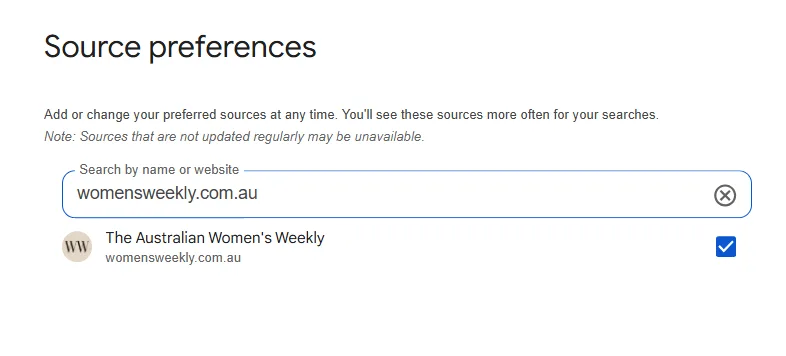
- Search for womensweekly.com.au
- Select The Australian Women’s Weekly
- Save your selection
You can add The Australian Women’s Weekly as your preferred source here.
Here’s what it will look like:

Related stories

Native ad body.

Native ad body.




Native ad body.





Share this post